I’m using Corona 3726 on a Macbook running Sequoia Version 15.6.1
I want to build a game for Android and I’ve installed Android Studio to make sure I get any dependencies I may need from it like Android SDK, Java and gradle. I have java version “1.8.0_471” installed.
When I try to follow the instructions in Signing and Building — Android and follow the Signing for Debug Build section, entering android as the password for the debug.keystore is not working.
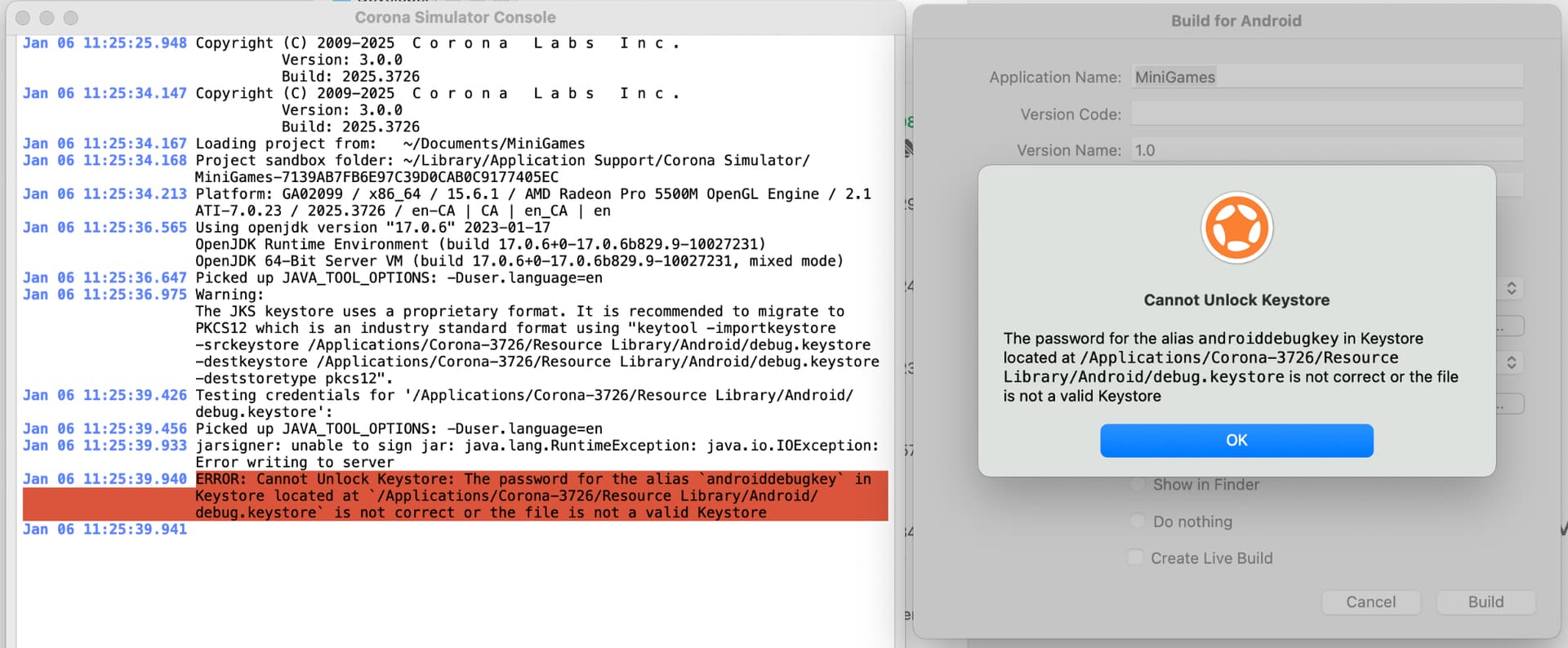
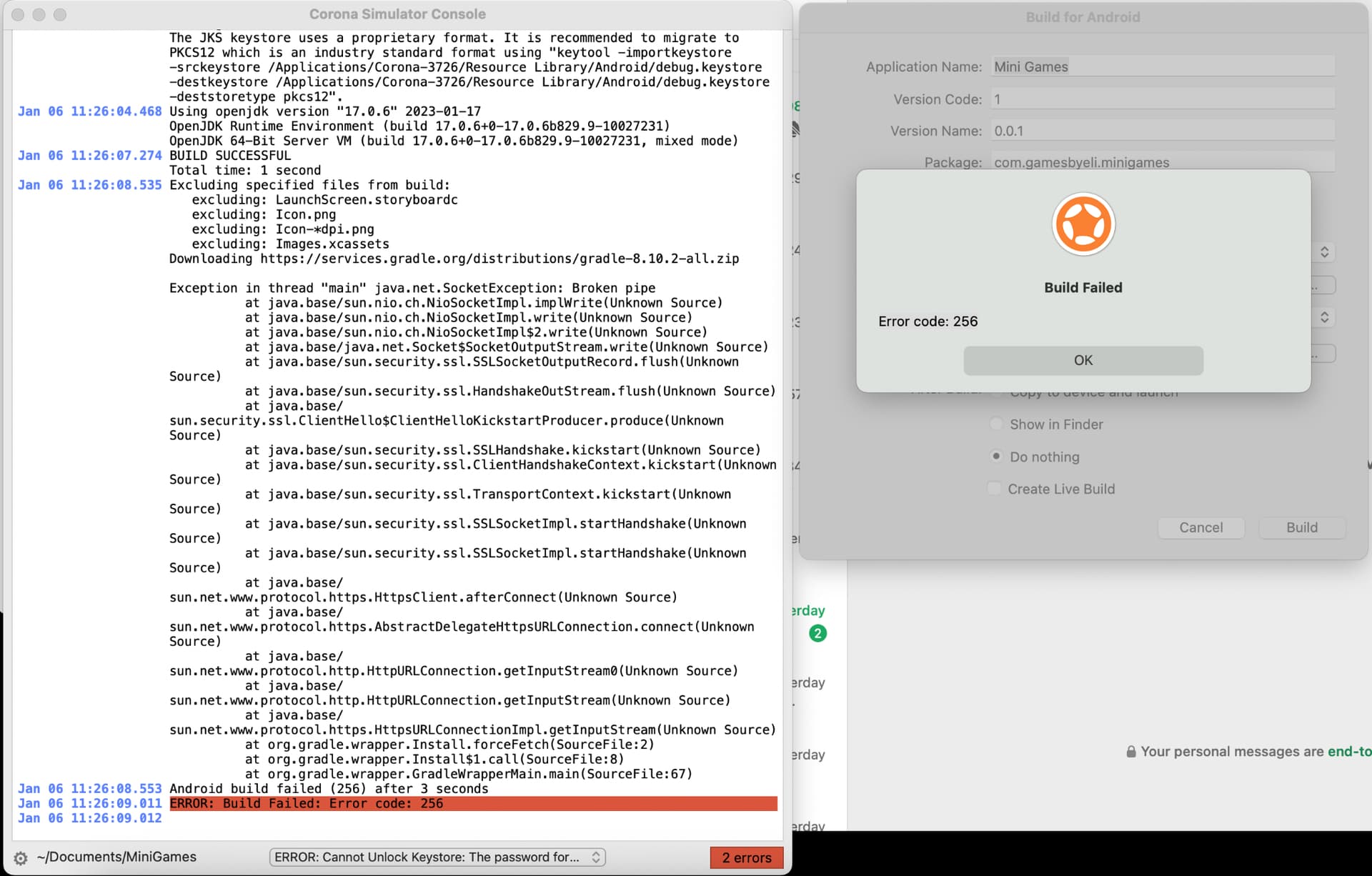
I get this error:
The password for the alias androiddebugkey in Keystore located at /Applications/Corona-3726/Resource Library/Android/debug.keystore is not correct or the file is not a valid Keystore
Rosetta is a solution that makes Apple Silicon (e.g. M1-M4) mimic Intel CPUs, so it cannot be installed on Intel Macs, and there is no need to.
A long time ago (when I was using Intel Macs), I remember having trouble with keystore authentication due to the Java version.
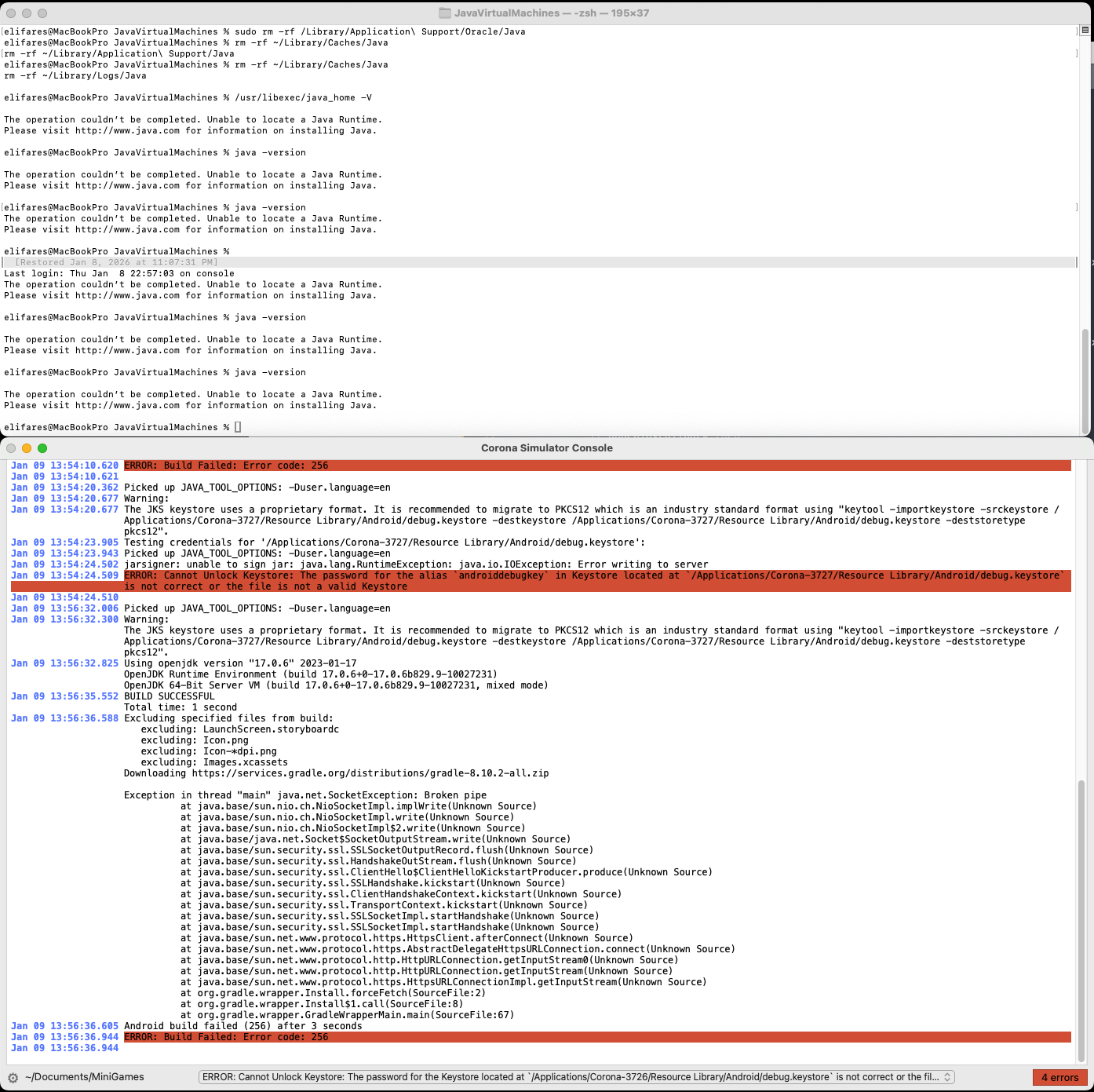
Looking at your log, it seems like a Java-related warning is being displayed. I’ve seen that the latest Solar2D installation requirements state that Java does not need to be installed. Trying it in a clean environment might help.
Sorry for not seeing the “Platform” line, which indicate the x86_64 platform not the arm64.
I have reproduce the issue with manual select keystore from both /Applications/Corona-3727/Corona Simulator.app/Contents/Resources/debug.keystore or /Applications/Corona-3727/Resource Library/Android/debug.keystore, with android for the passwords, but the default keystore with Debug worked.
@elifares Make sure to check your network to rule out interference from your network that is preventing communication with the time server.
I can’t provide more solutions for the time being, please wait for a better answer from the community.
UPDATE: It’s not a problem with my app or build settings. It’s something to do with my Macbook laptop. I copied the code over to another laptop and was able to build it successfully.