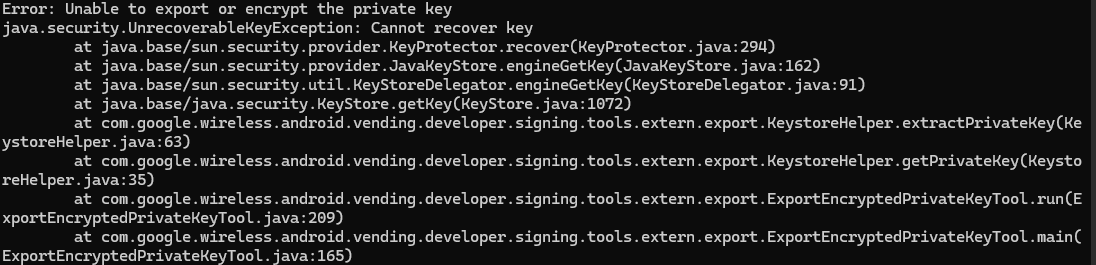
I always imported .aab file to update my apps but now I get this message “To import bundle you need to subscribe to Application Signature Play service”
So, I go to “manage et protect you Application Signature Key”,
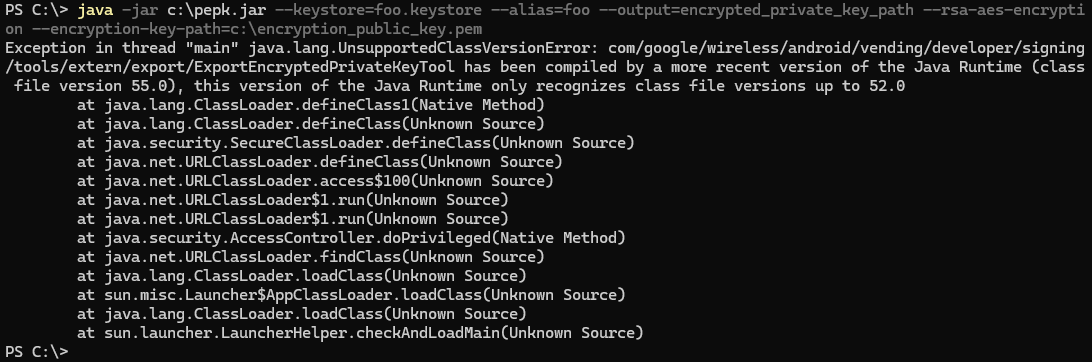
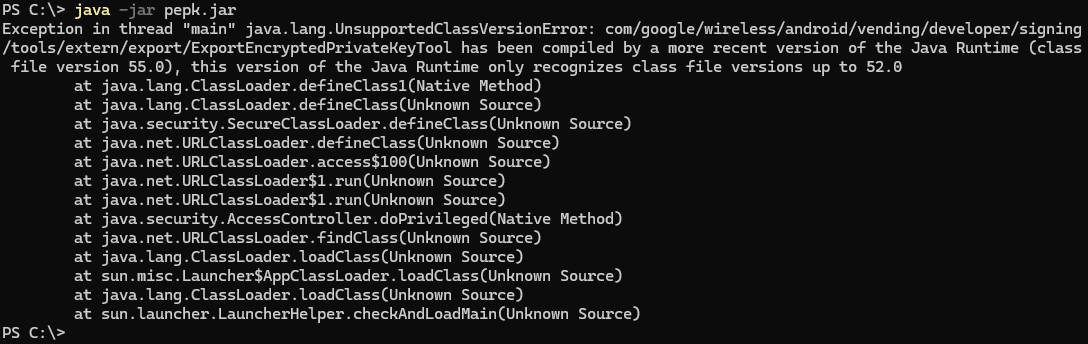
I download the public key “encryption_public_key.pem” and the “pepk.jar” tool because to create a private key I have to do:
I feel you — I think I ran into a very similar issue some time ago, but it’s been a while so I can’t recall the exact steps. I remember I eventually managed to solve it through a bit of Googling and luck. These days, I’d probably turn to ChatGPT for help — it might be able to guide you more clearly through the process. Hope it gets sorted out soon!
You mean the “Application Signature Key” with private key is obligatory now to update apps on Google Console? Because I never did previously or it’s a problem with apk/aab generated by Corona?
It’s been a long time, so my memory is a bit fuzzy, but in my case, the “pepk.jar” file provided by Google didn’t work properly. I think I ended up downloading another version of “pepk.jar” I found through Googling. After replacing the file, the command seemed to work. Sorry I can’t remember the details more clearly!
pepk.jar (8.7 MB)
Would you like to try using this file? Best of luck!
I used this file along with the command below.
java -jar pepk.jar --keystore=“C:\aaa.keystore” --alias=aaa --output=“C:\abc.pem” --rsa-aes-encryption --encryption-key-path=“C:\encryption_public_key.pem”
Thanks but it changes nothing
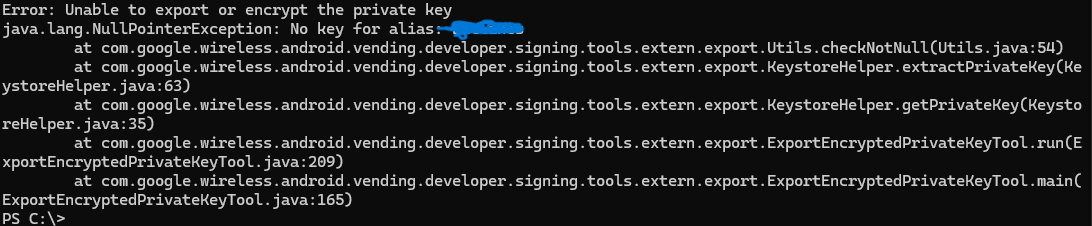
By the way, I don’t know what input when asking “alias” password. I just have one for the .keystore, which I use for building with Solar2D.
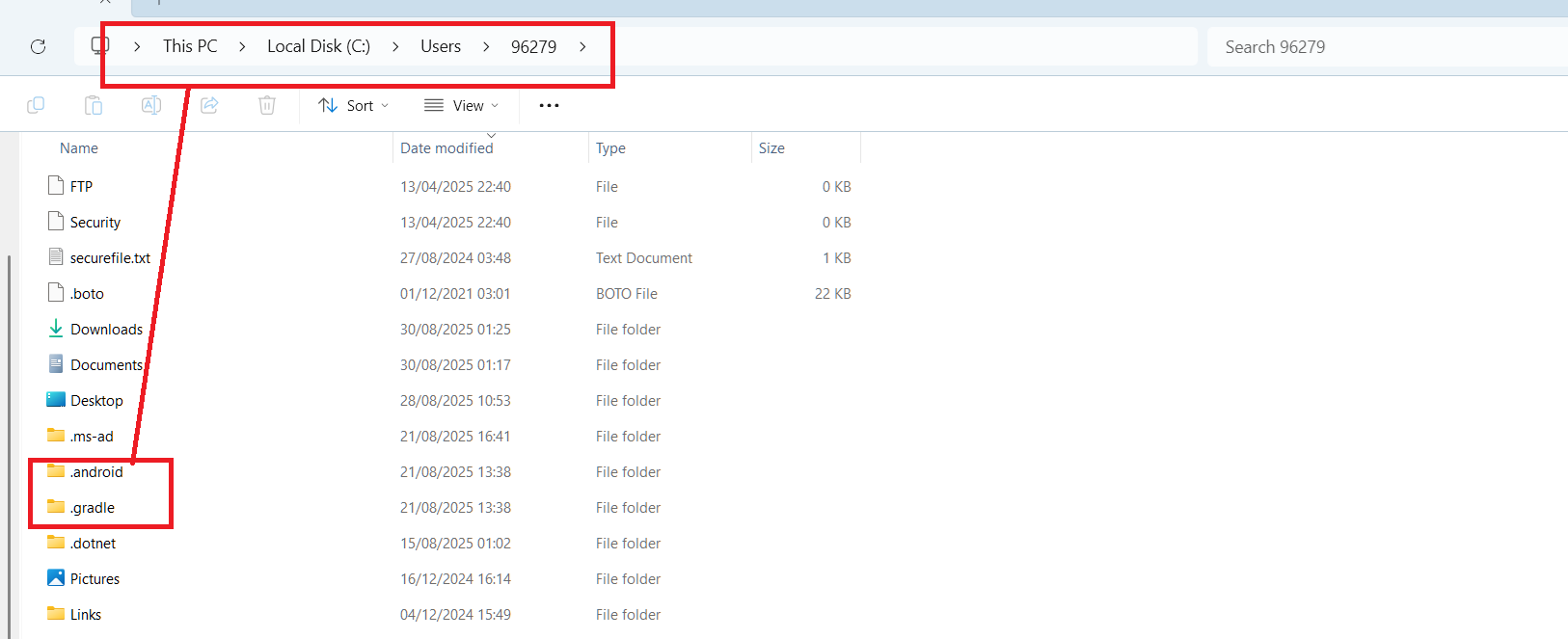
Hello, I think I need to create another keystore with the same working JDK I downloaded yesterday v.24 (or v.16, why not). Maybe there’s a conflict between the version with the JDK I used to create my keystore (JDK 8) and the JDK version I downloaded to make work pepk.
ok, I’m going to recreate another keystore with JDK16.
By the way, then you didn’t have problem to create the private key asked by Google with that keystore?
Where do I find the 2nd password ???
Enter password for store ‘foo.keystore’: — this ok I know it, it’s which I used when I created the keystore with keytool
Enter password for key ‘fookey’: —> but this one ??
For the new apps, I don’t need to do all that (don’t need to use pepk to create a private signature), all is done automatically directly on Google Publish.
I tried with the original keystore but same problem.
Well, I give up, and publish this old app as a new app instead of trying to do an update.
Thanks for all