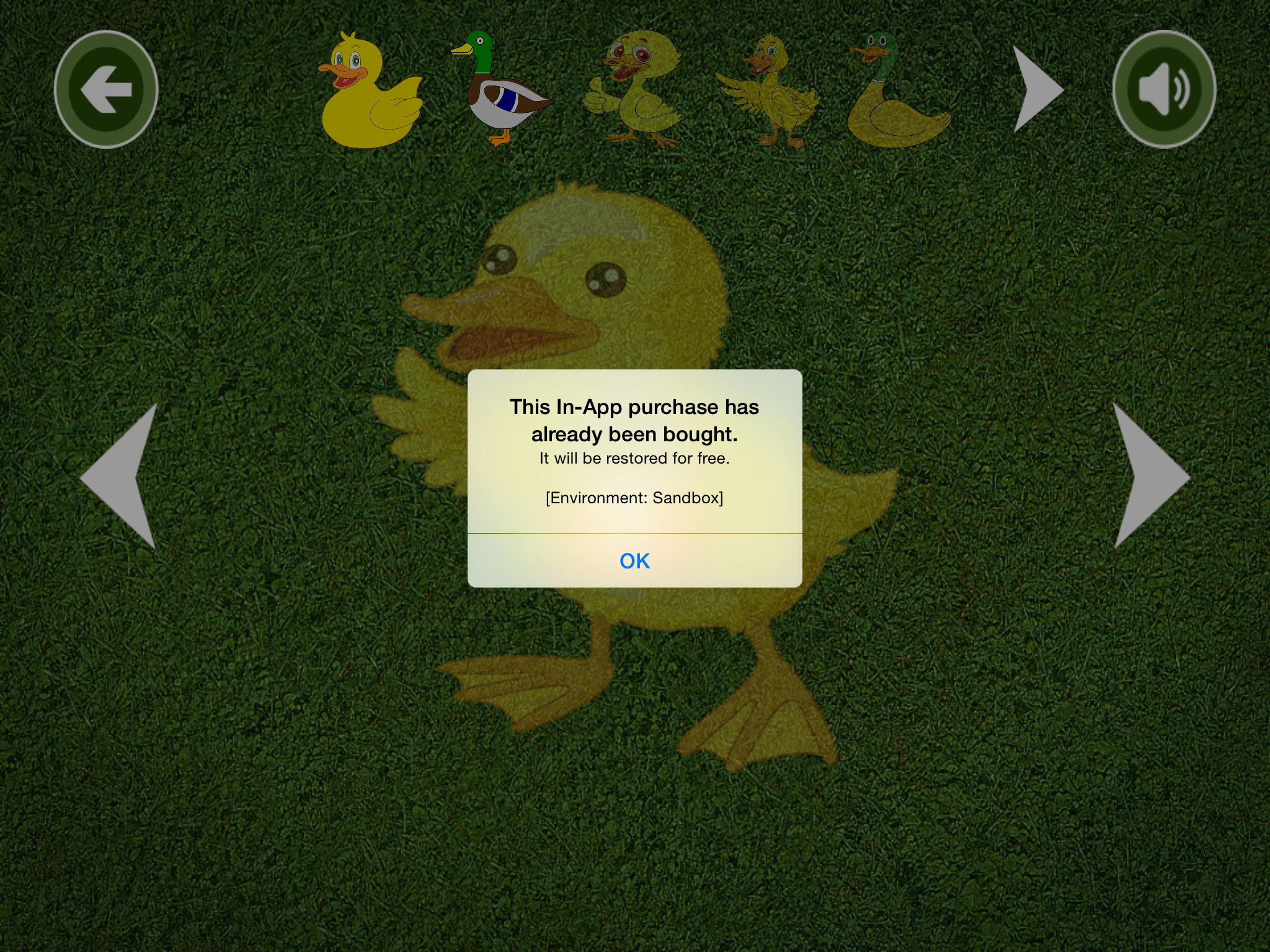
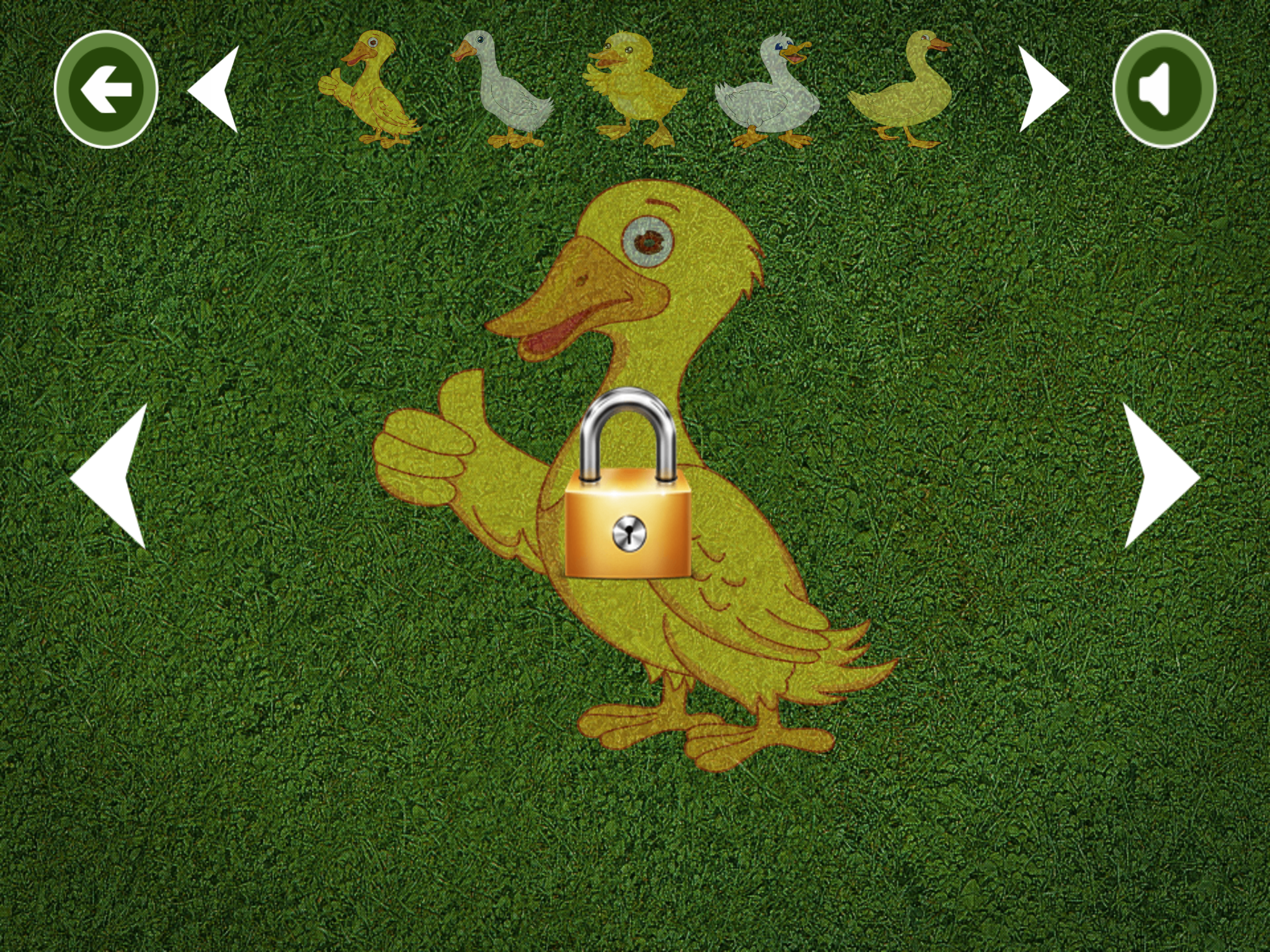
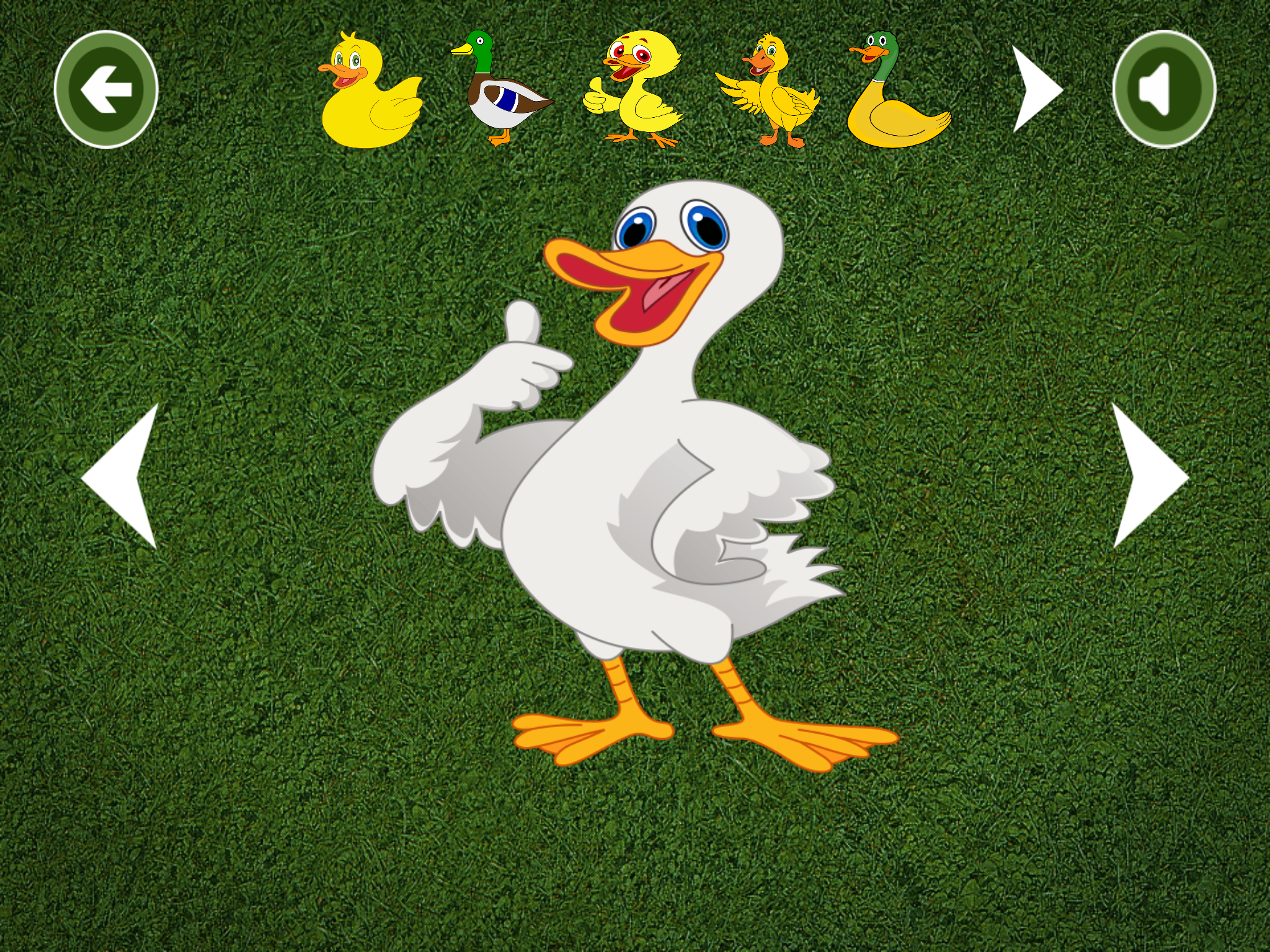
We discovered one or more bugs in your app when reviewed on iPad Air 2 running iOS 8.1.3 on both Wi-Fi and cellular networks.
Specifically, your In-App Purchase Products - Unlock Full Version button, Restore button, and Ducks with lock image buttons, do not function as described. Additionally, we completed the first 15 duck puzzles and were still unable to unlock the additional 15 with In-App Purchase.
We have attached screenshots for your reference.
Next Steps
Please run your app on a device to identify the issue(s), then revise and resubmit your app for review.
For new apps, uninstall all previous versions of your app from a device, then install and follow the steps to reproduce the issue(s). For updates , install the new version as an update to the previous version, then follow the steps to reproduce the issue(s).
If we misunderstood the intended behavior of your app, please reply to this message in the Resolution Center to provide information on how these features were intended to work.
Resources
If you have difficulty reproducing a reported issue, please try testing the workflow described in Technical Q&A QA1764: How to reproduce bugs reported against App Store submissions.
If you have code-level questions after utilizing the above resources, you may wish to consult with Apple Developer Technical Support. When the DTS engineer follows up with you, please be ready to provide:
- complete details of your rejection issue(s)
- screenshots
- steps to reproduce the issue(s)
-
symbolicated crash logs - if your issue results in a crash log
If you feel that this rejection was made in error, and believe your app is in compliance with the App Store Review Guidelines, you may submit an appeal to the App Review Board. Please allow up to one business day for an initial response from the App Review Board.