Hi Erin
I thought the same thing originally, like it was rendering like Flash 4, which always messed up images. I used to set them to 99.99% scale and that sorted it out usually. Like it was forcing flash to actually process the image properly.
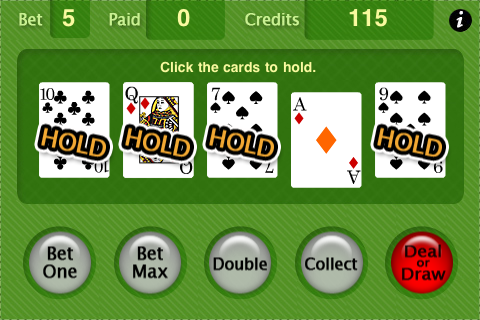
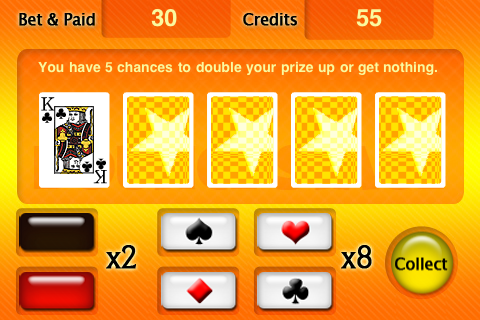
As for your problem, I remember discussing it back in April with the boys at Ansca. I think the easy solution in your case it to either add or subtract 0.5 from the X values.
Its to do with how objects are positioned within opengl I believe. If you position an object from its centre and it is not an even width then the centre of the object is not on a pixels edge but its in the centre of an actual pixel so when this is rendered back its drawing each pixel of the image over 2 pixels of the display, half in each. This doesn’t look too bad except for at the edge of an object where it gets noticeable.
Matt
[import]uid: 5354 topic_id: 1611 reply_id: 4739[/import]


 [import]uid: 5377 topic_id: 1611 reply_id: 4709[/import]
 and retweet