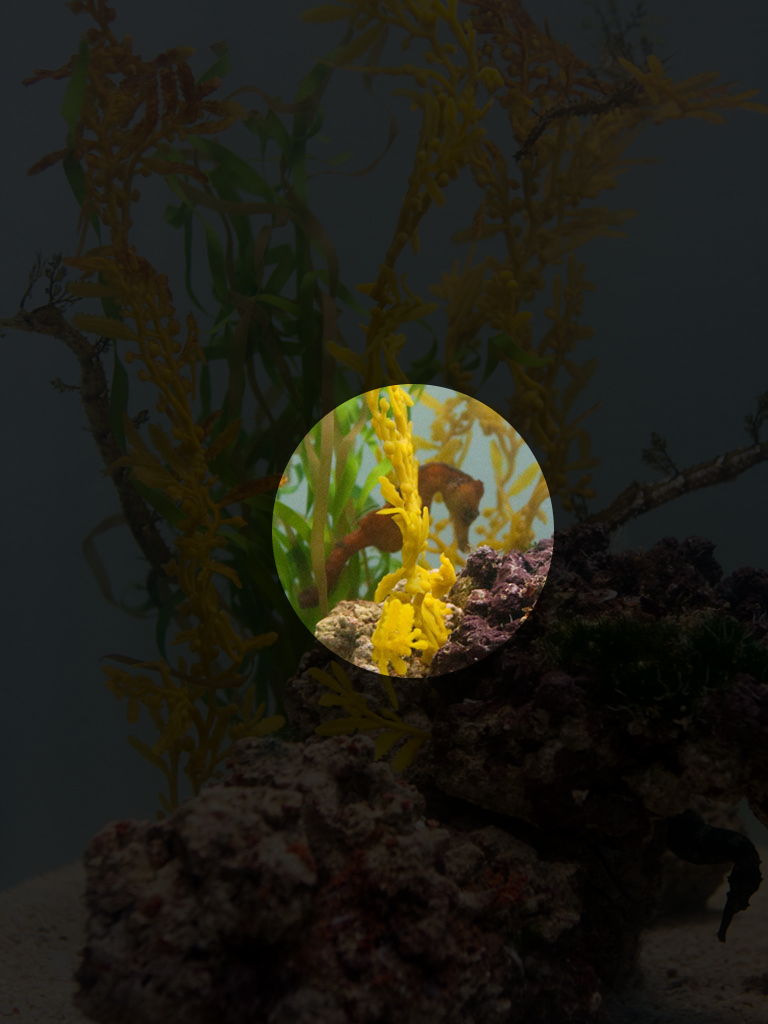
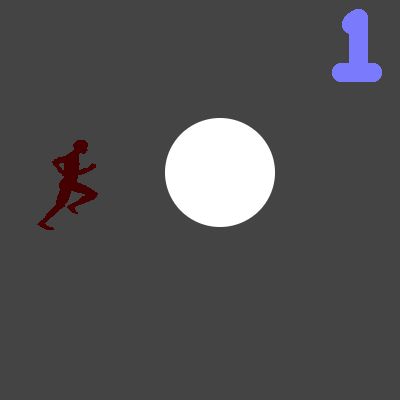
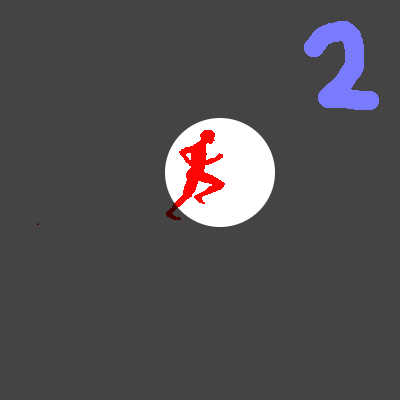
Ok, this does what your image shows, but not the way you’re thinking.
This code uses two copies of the image you want to show. The bottom one is dark, the top one is normal brightness, but is only visible where the mask is.
[lua]-- back image is slightly visible
local back = display.newImage( “bkgd.png” )
back.alpha = .2
– front image is only visible where the mask is, but is bright
local image = display.newImage( “bkgd.png” )
– apply mask to front image
local mask = graphics.newMask( “circlemask.png” )
image:setMask( mask )
– move mask around on top image
function touch(e)
image.maskX, image.maskY = e.x-image.width/2, e.y-image.height/2
return true
end
Runtime:addEventListener(“touch”,touch)[/lua]
I think the problem you’re hitting is that the mask does not affect images it is not applied to.
I also hit a problem when I inverted the circlemask.png and it did not work as I expect, in my previous post. [import]uid: 8271 topic_id: 33455 reply_id: 133120[/import]