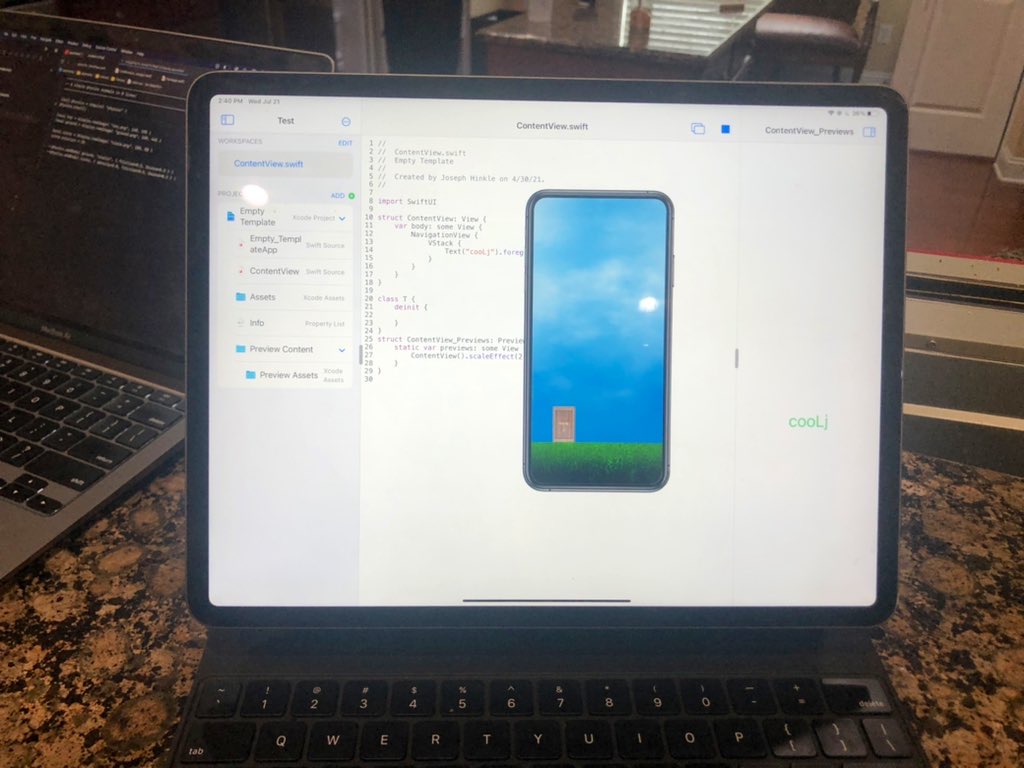
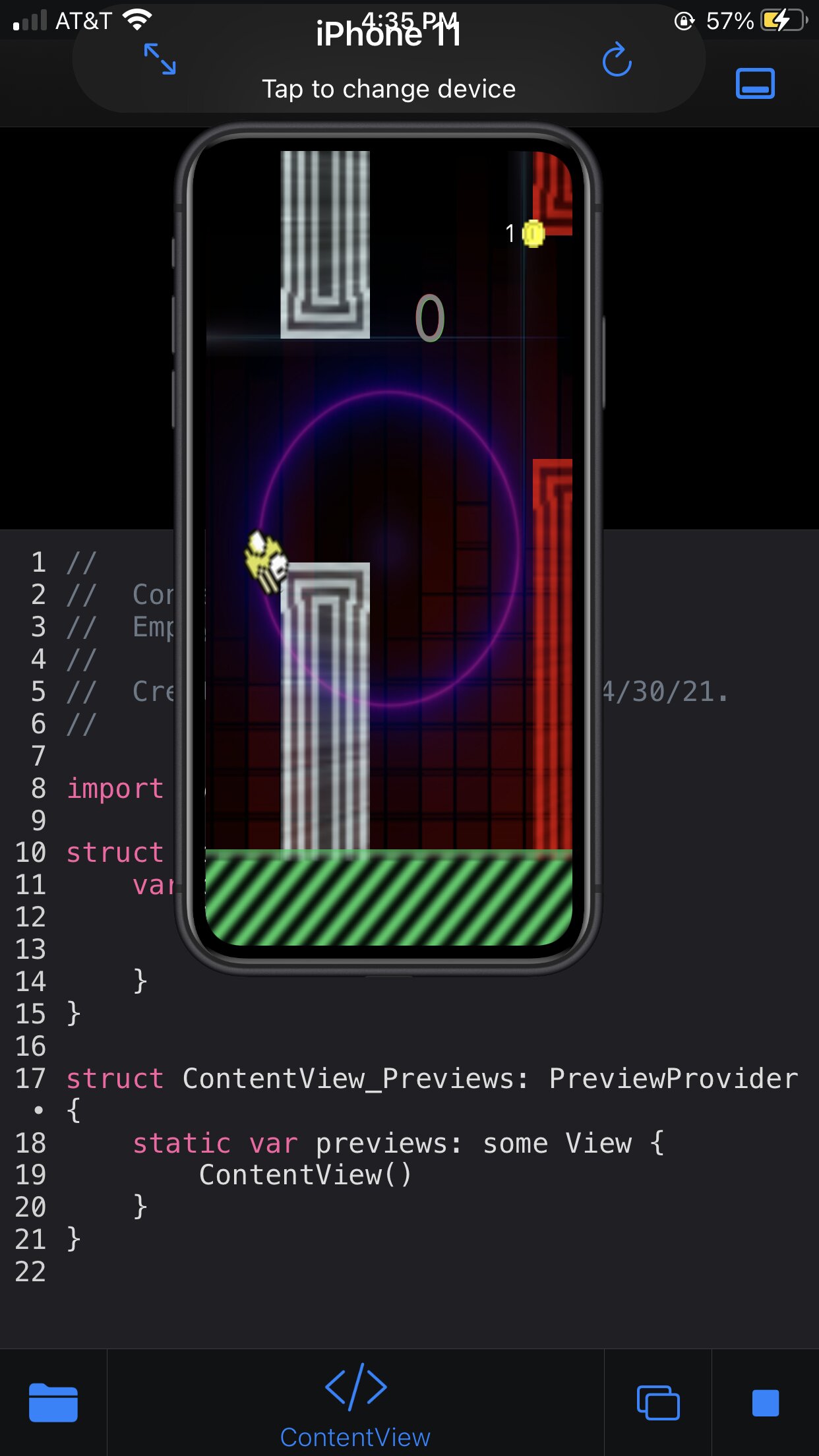
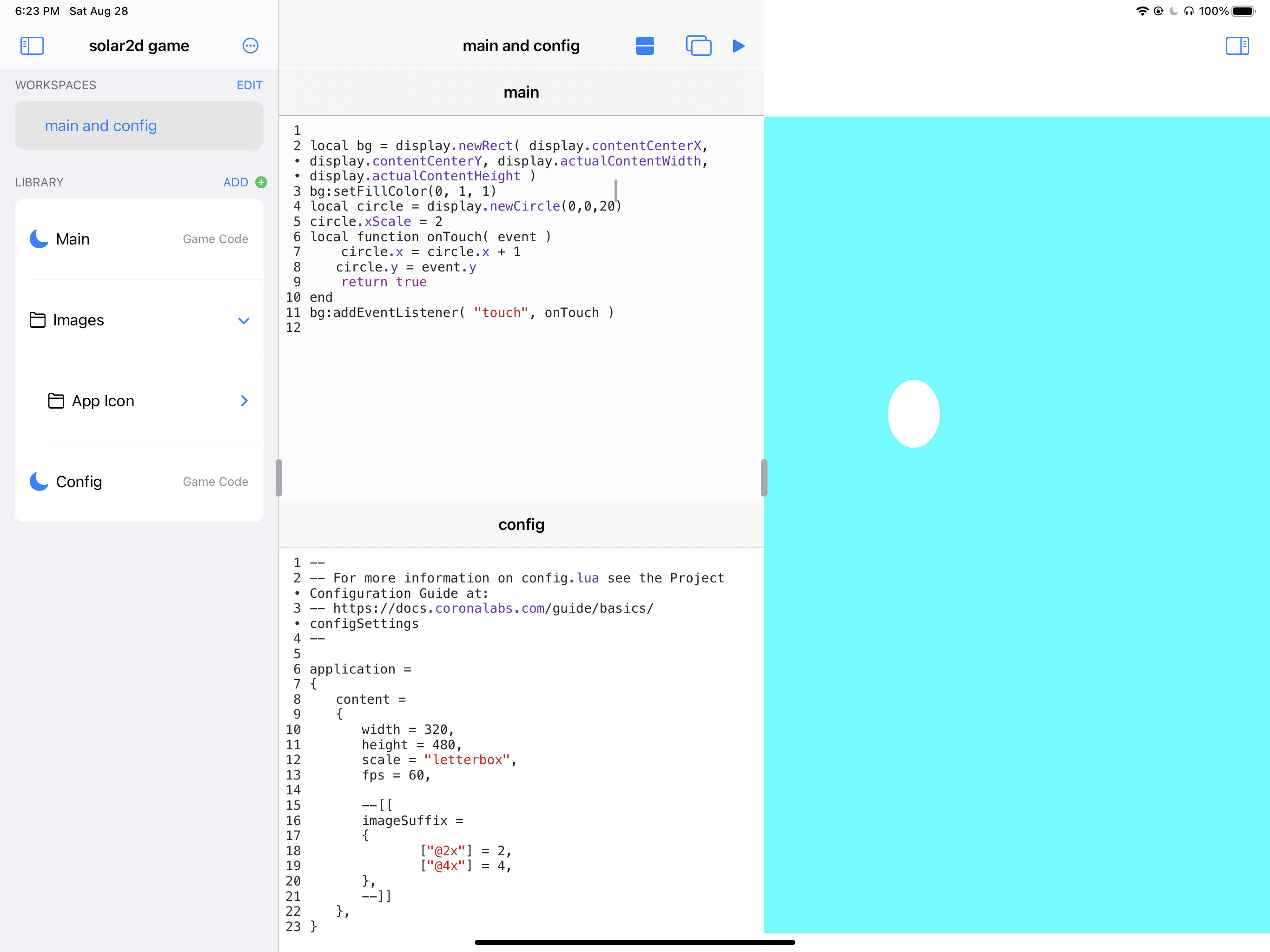
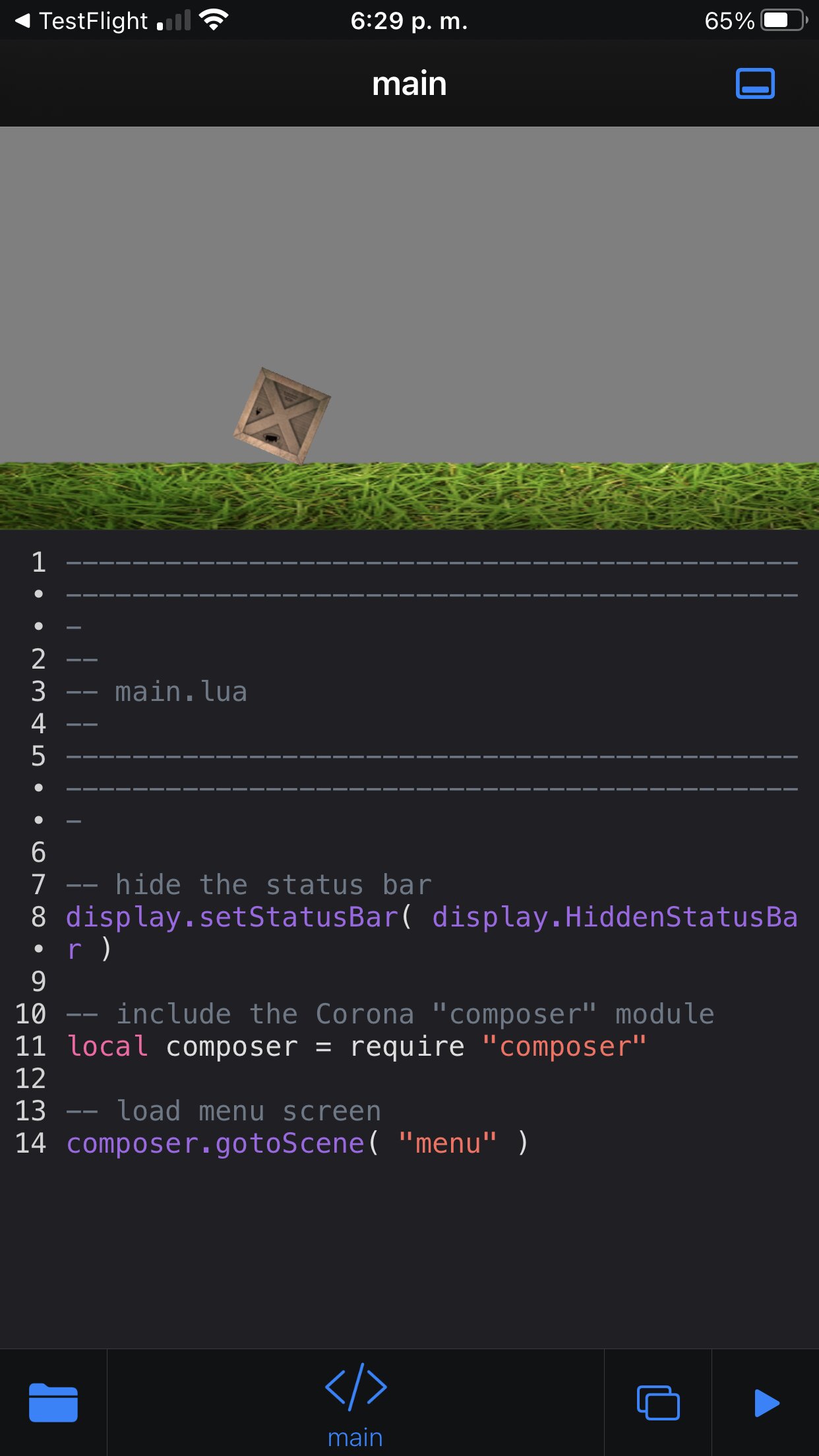
Hey guys, so I’ve been working on an iOS app called “App Maker Professional” for over a year. It’s mainly meant for building native iOS apps on your iPad. But my brothers last night gave me the idea of having it support Solar2D dev vía CoronaCards…and sure enough…it works!
Anybody interested in doing Solar2D dev on their devices?
You can learn more about the app here http://appmakerios.com. It’s made for doing native iOS development, and the Solar2D support is coming in an update. I’ll update this thread when you can get the Solar2D version
I’ve been using this engine since 2014, but never native.
I’ve never seen a worthwhile tutorial on how to transition to native development with it, so is there any chance you can try and support the non-native version?
@joecoronasdk, will the plugins come over without modification? Once you have something for me to try on TestFlight, I will try and build my trivia game on it and report any bugs found.
It doesn’t support plugins yet, but I have a Lua hack that allows the app to continue running even if it’s missing a plugin. Basically any require that fails will receive a faked Lua object that prevents crashes.
I think I could add support for Lua plugins easily. It would be impossible to get native iOS plugins to work without a building from source or without me prepackaging them in the app.
Just a quick update…I didn’t get to upload to TestFlight yesterday because it seems CoronaCards is using the mic and camera…and Apple wants me to somehow clear that up. Giving it another attempt right now.
As for that require hack I spoke about above, here’s the source if anyone wants it.
local oldRequire = require

local function newSafeTbl()
    local tbl = {}
    local meta = {}
    local function returnSelf()
        return tbl
    end
    meta.__index = returnSelf
    meta.__newindex = returnSelf
    meta.__add = returnSelf
    meta.__sub = returnSelf
    meta.__mul = returnSelf
    meta.__div = returnSelf
    meta.__idiv = returnSelf
    meta.__lt = returnSelf
    meta.__mod = returnSelf
    meta.__pow = returnSelf
    meta.__concat = returnSelf
    meta.__unm = returnSelf
    meta.__call = returnSelf
    setmetatable(tbl, meta)
    return tbl
end

function require(path)
    local status, res = pcall(oldRequire, path)
    if status then
        return res
    else
        return newSafeTbl()
    end
end
When you try to require a library that exists, it works normally. But if the library doesn’t exist now, it will return this “safe table”. The safe table makes it near impossible to get a runtime error. Here’s a test I run it against. I try importing a non-existent library called “composer2”.
local composer2 = require "composer2"
composer2.a.c = 3
local x = composer2.a.c + composer2.a.c
local xy = composer2.a.c - composer2.a.c
local xy = composer2.a.c == composer2.a.c
local xy = composer2.a.c <= composer2.a.c
local xy = composer2.a.c < composer2.a.c
local xy = composer2.a.c > composer2.a.c
local xy = composer2.a.c >= composer2.a.c
local x = composer2.a.c * composer2.a.c
local xy = composer2.a.c / tostring(composer2.a.c)
local xy = -composer2.a.c % composer2.a.c
local xy = composer2.a.c ^ tostring(composer2.a.c())
local xy = composer2.a.c .. composer2.a.c
print(composer2.a.c[4])
Each one of the math operators, assignments, value access, etc I run on it, it will just ultimately return itself. Hopefully this will be enough for those depending on certain libraries to at least run their games without those libraries in App Maker